All your saves, together
Paste public links from TikTok, Instagram, YouTube, Facebook, Pinterest or recipe websites. Access depends on the original post.
 Makeable
Makeable
From “I’ll make that someday” to dinner tonight. Your videos, family recipes and shopping list, finally together.
Free during beta. Made for your phone.
Less saving. More making.
A video here. A screenshot there. The amounts buried in a caption, spoken aloud, or “recipe in the comments.” And a grocery list you still have to write.
Makeable brings it together: a recipe you can follow, the video you found it in, and ingredients you can shop. If a post won’t open, its pasted caption can get you going.
From saved to supper
Five simple steps from a video or recipe card to dinner—and a grocery list that builds itself.
On your phone, tap Share on a cooking video and choose Makeable after installing. You can always copy the link and paste it on the Add recipe screen instead.
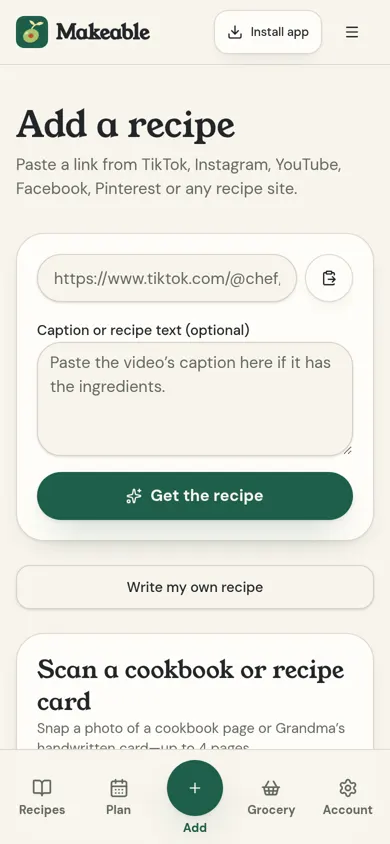
Makeable reads the caption, listens for spoken ingredients and watches available video for on-screen amounts. Live progress leads to a finished recipe with the original video beside it.
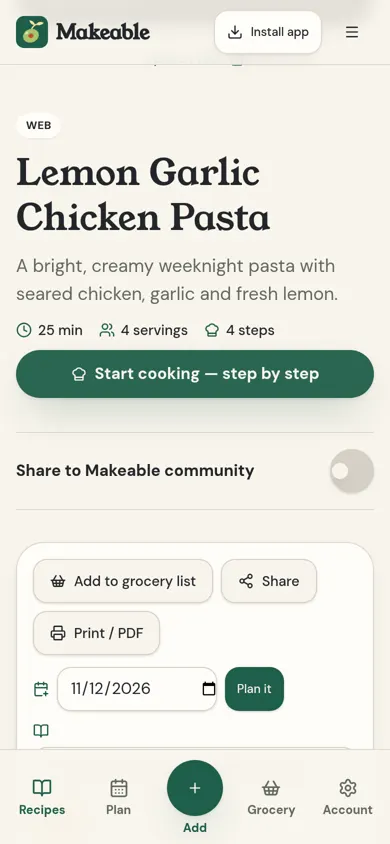
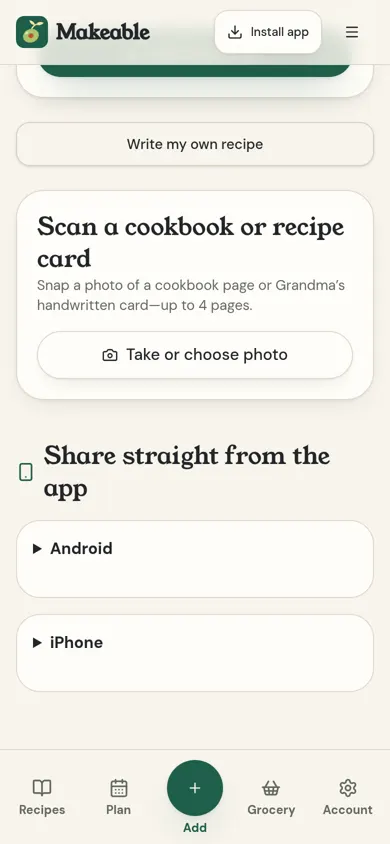
Take or choose up to four clear photos. Makeable reads printed pages and handwriting, then saves the recipe in your box.
Add recipes or a week of meals to one aisle-sorted list, review the product matches, then tap Add all to Walmart cart.
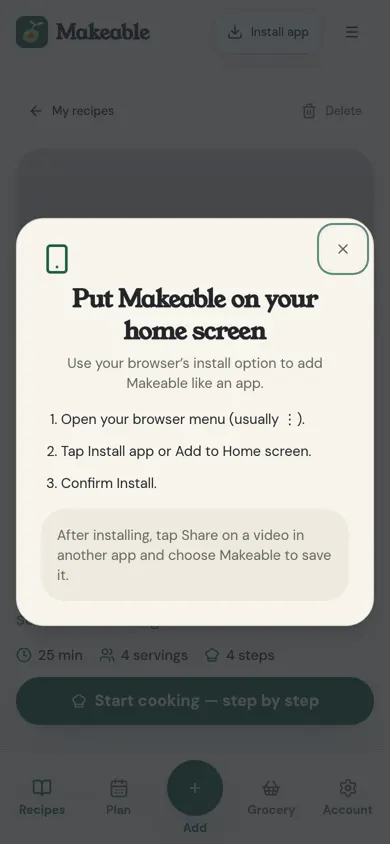
On iPhone, open Safari → Share → Add to Home Screen. On Android, open Chrome’s menu → Install app or Add to Home screen. Then Makeable is one tap away.
Real Makeable screens
Your whole recipe box
Paste public links from TikTok, Instagram, YouTube, Facebook, Pinterest or recipe websites. Access depends on the original post.
Available spoken transcripts and video analysis capture ingredients and amounts that never appear in the caption.
Scan cookbook pages and handwritten family cards, with up to four photos per recipe.
Keep the source beside the ingredients. Play it in Makeable when the original platform allows embedding.
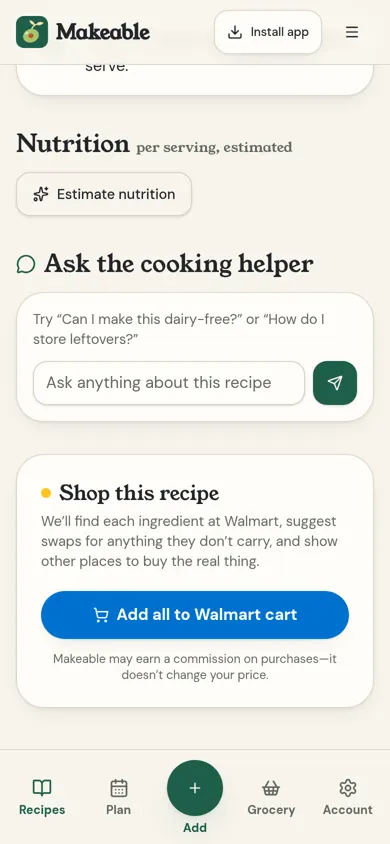
Find ingredient matches and open one cart link. Review quantities, availability and prices at Walmart.
Find substitutions and links to other stores for specialty or hard-to-find ingredients.
Adjust servings and switch between original, US and metric measurements.
Put saved recipes on your weekly meal plan, then build a grocery list for the week.
Group recipes into collections like Weeknight dinners or Family favorites.
Combine ingredients across recipes, group by store aisle and check things off as you shop.
Get an AI estimate of calories and nutrients per serving. Not a substitute for professional advice.
Ask the cooking helper about techniques, substitutions or leftovers for the recipe you’re making.
Gather ingredients, follow clear steps and keep your screen awake in cooking mode when supported.
Create a recipe share link, turn it off whenever you like, or print/save a PDF from your browser.
Swipe through recipes from other cooks and the Makeable Kitchen, save the ones you love with credit to the cook, and share your own when you’re ready.
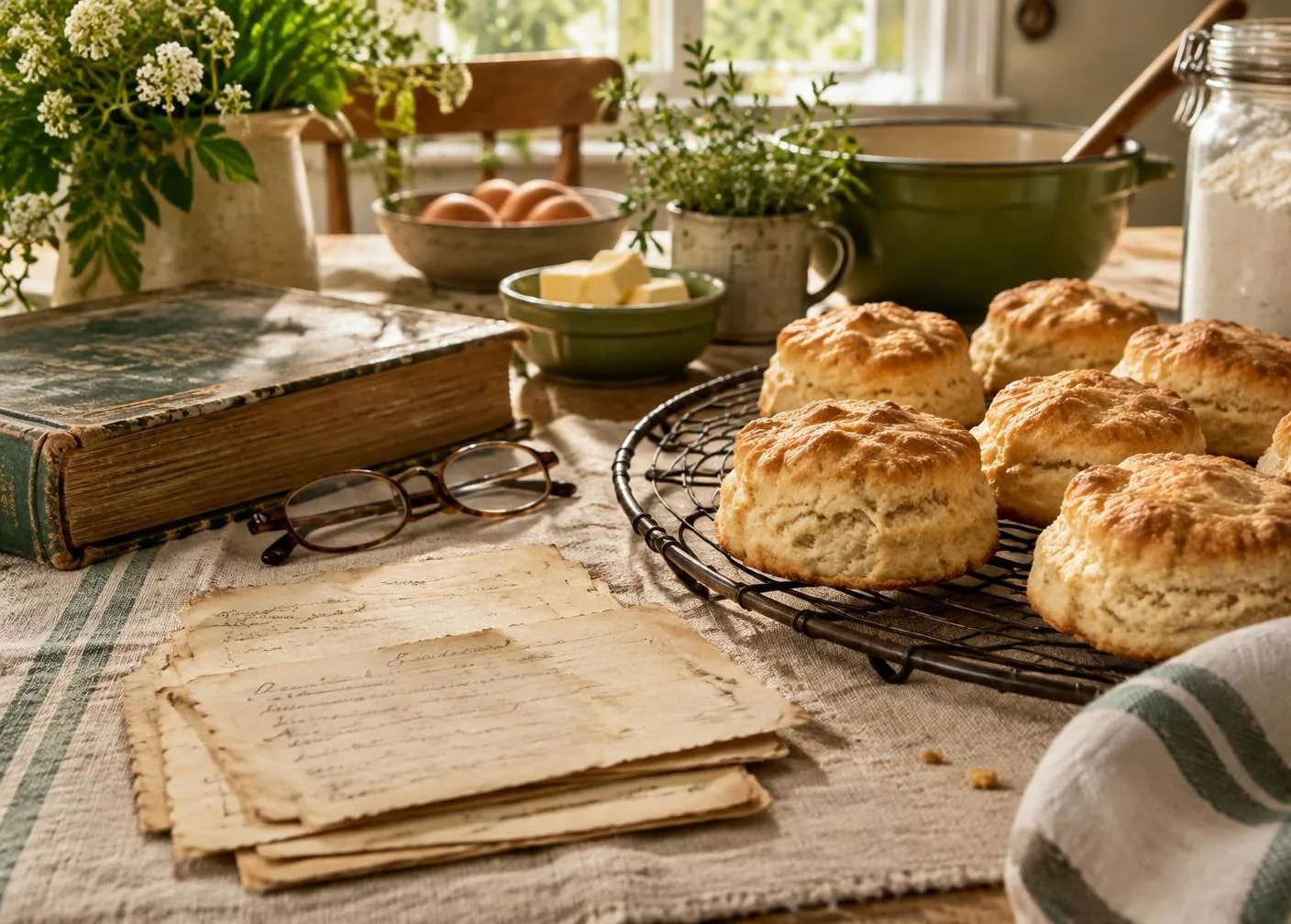
Some recipes are more than recipes.
The flour-dusted card. The handwriting you know by heart. The cookbook that always falls open to the same page.
Take a photo and keep those favorites in your recipe box, ready to cook and pass on. Check the scan against the original—especially faded handwriting.
Yes. Makeable is free and imports are unlimited during website beta testing. Any future paid plans will be announced before you’re charged.
You can paste public cooking links from TikTok, Instagram, YouTube, Facebook and Pinterest, plus recipe websites. Android supports sharing to Makeable after installation. Some posts or platforms block reading or playback; paste the caption when needed.
We cannot unlock private posts. Open the post in its original app, expand the caption, copy it, and paste it alongside the link. Check estimated amounts against the original recipe.
Yes, in your browser or installed on your home screen from Safari. Copy a video link into Makeable, or set up the Shortcut shown on the Add page for sharing. App Store and Google Play versions are planned for later; they are not available yet.
Makeable keeps the original link and an embedded player, not a downloaded copy. If a creator removes or restricts a post, its video may no longer play. Your saved recipe stays in your box.

Your first recipe is a link—or a photograph—away.